For teachers, trainers and NGOs

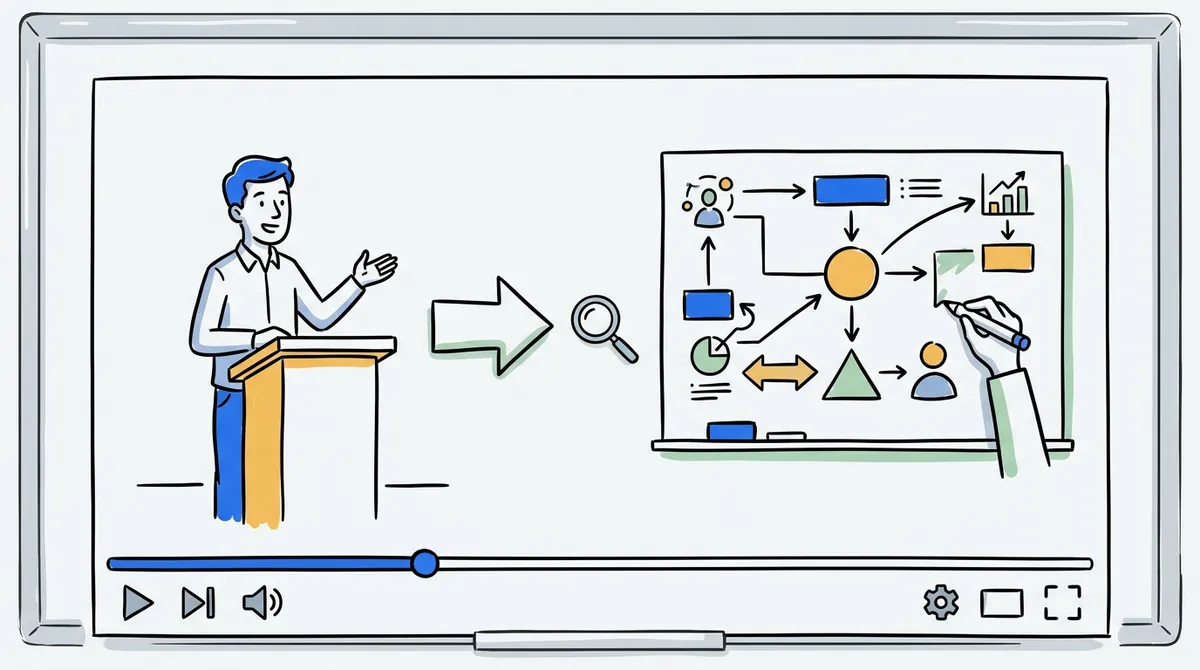
Turn anything you teach into a whiteboard video.

From a PDF, slides, a YouTube link or just a topic. Drawn and narrated in 70+ languages, true to your material.

PDF · DOCX · PPTX · TXTYouTubeWeb pageor just describe a topic

Free to start when capacity allows · No credit card · Download as MP4 or share a link

MechanicsEngineeringWatch the full video

Real TimaLens outputs

See what TimaLens can explain

From one simple idea to a complete visual explanation.

Loading real examples…

How it works

From your material to a video in 3 steps

Create my first video

Free to start when capacity allows · No credit card

  1. 1

    1. Bring what you have

    Type a topic, paste your script, or drop a PDF, slides, a Word file, a YouTube link or a web page.

  2. 2

    2. TimaLens draws and narrates

    Each idea becomes a scene, drawn on the board on the very words that explain it, in 70+ languages.

  3. 3

    3. Fix a scene, then share

    Change one scene without redoing the video, then download the MP4 or share a private link and see who watched.

See it work

Whatever you start from, it ends as a whiteboard lesson.

A document, a recording, your photos, a short clip or just your voice. Here is what each one looks like, from the prompt box to the finished video.

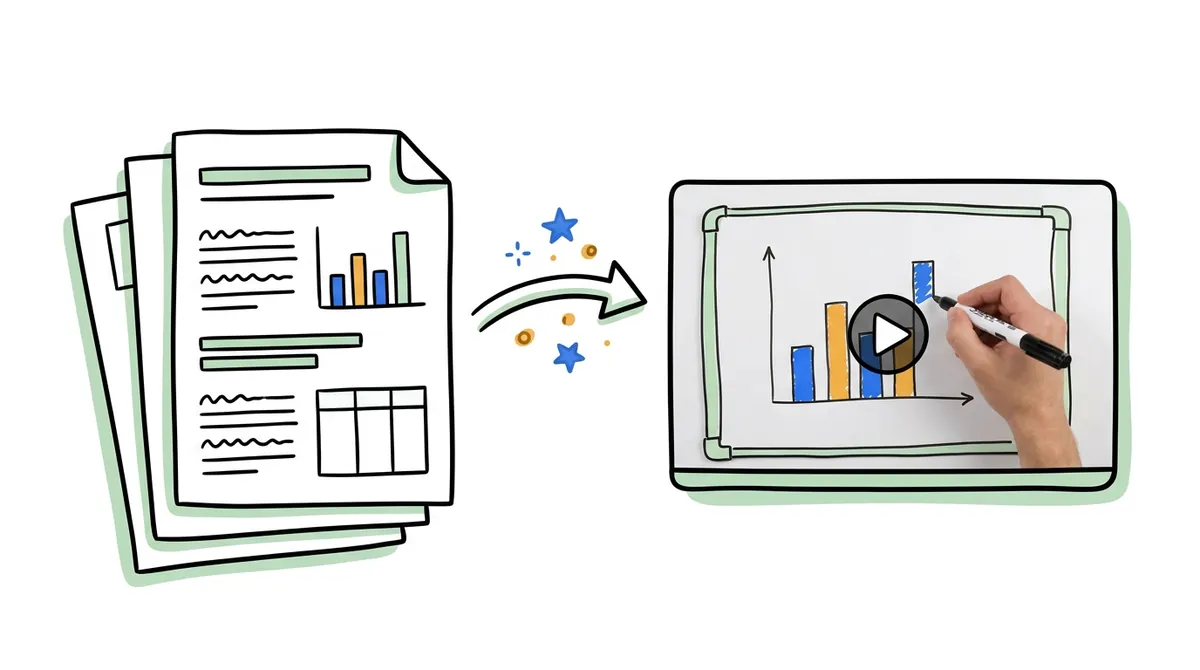
PDF to whiteboard video

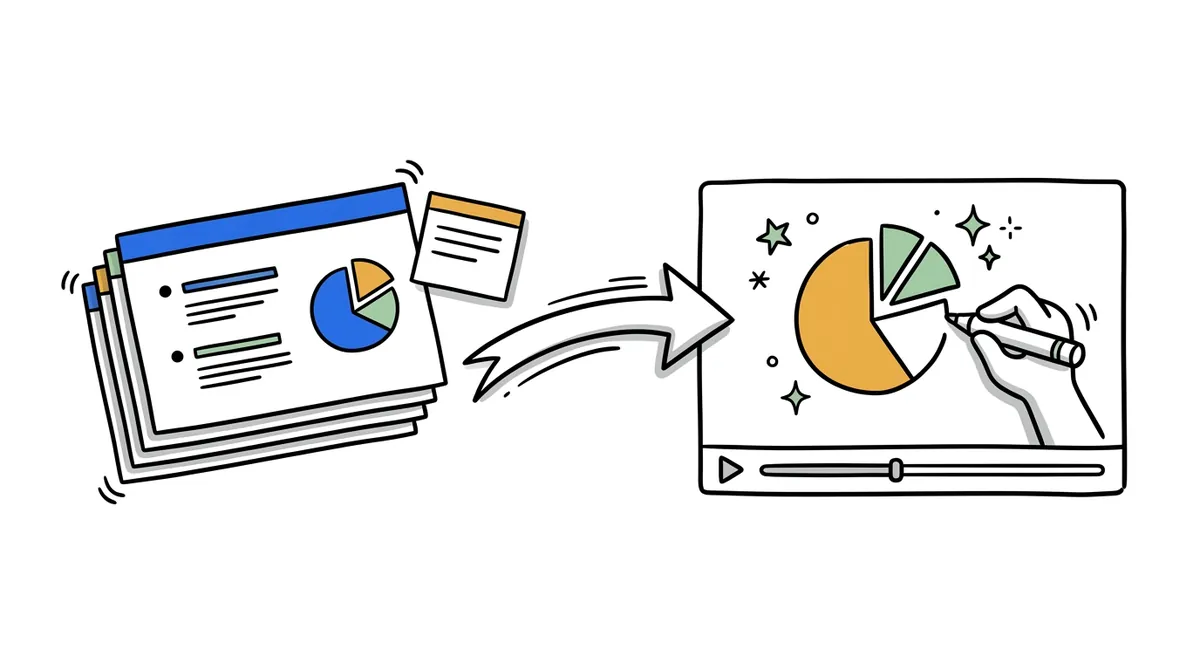
  1. Drop in a PDF: a chapter, a report or your lesson notes.
  2. TimaLens reads every page, diagrams and tables included, and plans one idea per scene.
  3. Each scene is drawn while it is narrated, ready to edit before you share it.
A biology teacher drops a 12-page chapter in on Sunday night and shares a four-minute lesson with the class on Monday morning.
Example

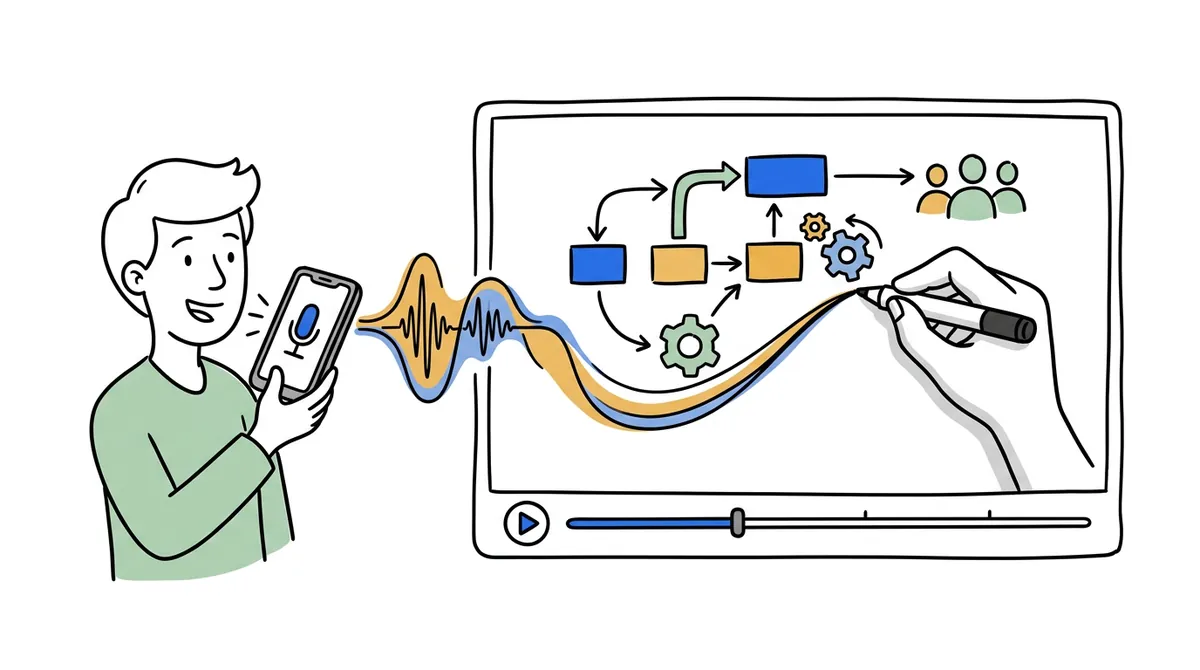
Audio to whiteboard video

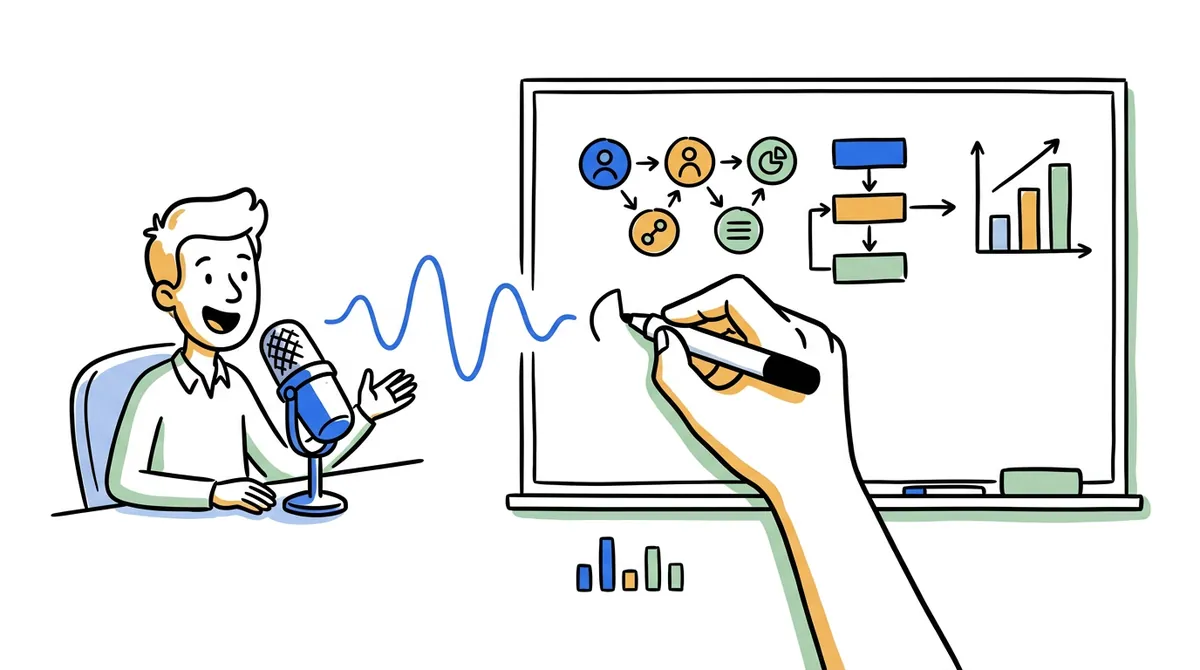
  1. Upload a podcast, a lecture or a voice memo.
  2. Your recording stays the narration; TimaLens plans the drawings on your words.
  3. Every idea appears on the board the moment you say it.
A podcaster uploads a 20-minute episode and publishes it on YouTube as a drawn explainer, in their own voice.
Example

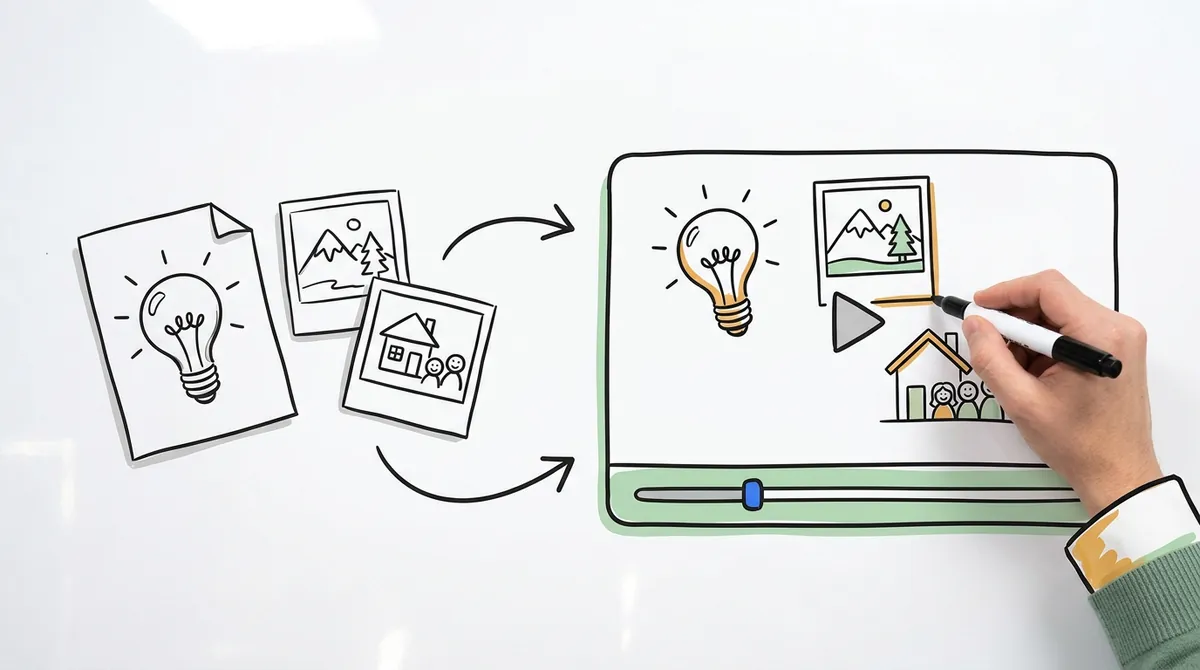
Your images in a whiteboard explainer

  1. Add photos, diagrams, screenshots or a sketch.
  2. Choose for each one: drawn by hand on the board, or shown as it is.
  3. They appear in the scene where they are explained.
A product team adds six screenshots and gets a tutorial where each one appears exactly when its step is explained.
Example

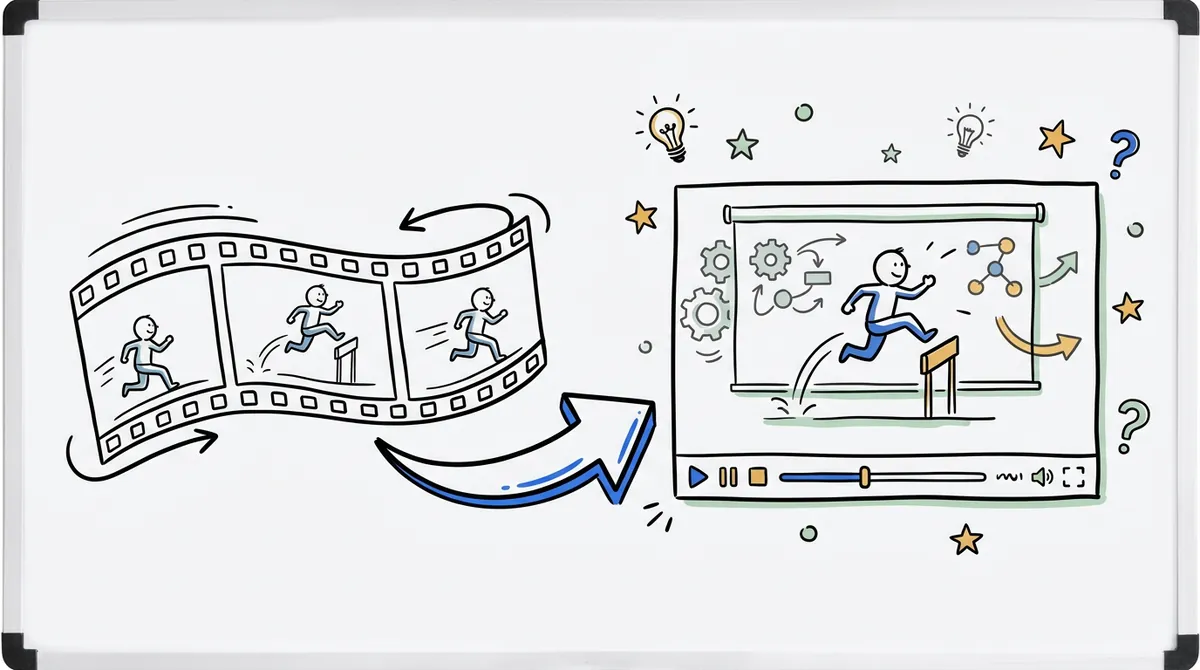
GIFs and clips in a whiteboard explainer

  1. Add a GIF or a short clip of something that moves.
  2. It plays inside the scene, next to the drawings that explain it.
  3. The movement lands right on the narration that describes it.
A science teacher adds a 3-second clip of a reaction and it plays on the board just as the narration explains what is happening.
Example

Your voice to whiteboard video

  1. Record yourself in the browser, or clone your voice once from a short sample.
  2. Speak freely: TimaLens turns what you said into scenes.
  3. Every video sounds like you, in any language you choose.
A coach records a two-minute explanation on their phone between sessions and has it drawn as a video for their clients the same evening.
Example

Voice cloning starts with the Creator plan.

A focused tool for explanation

Know when TimaLens is the right fit.

Built for

  • Course creators, tutors and explainer YouTubers
  • Lessons that begin as a script, PDF, slides or teaching plan
  • Structured videos with clear diagrams, labels and narration
  • Creators who need to review and correct individual scenes

Not designed for

  • Short cinematic or photorealistic clips
  • Talking-avatar or digital-presenter videos
  • Music videos, films or entertainment-first content
  • Frame-by-frame professional animation control

Integrations

Make videos from the AI assistant you already use

Connect TimaLens to ChatGPT, Claude and other assistants once. Then ask for a video in the conversation, and it appears in your TimaLens library, where you can review and edit it.

  1. 1.Connect TimaLens to your assistant in a few clicks
  2. 2.Ask for a video in your conversation
  3. 3.Find it in your library, ready to review and edit
See all integrations

Start from what you have

A document, a deck, a recording, a link, an approved script, or the lesson or training you need to give — each has its own page showing how TimaLens turns it into a video.

Looking for a Doodly alternative? · Compare TimaLens with VideoScribe

Frequently asked questions

Before you click create.

Straight answers on publishing rights, scene editing, and what each video costs.

Can I publish my videos on YouTube or use them commercially?

You can publish videos according to your plan’s usage rights. Commercial and client-use rights are included with Studio and Business. You remain responsible for having the necessary rights to any documents, images, voices, logos or other material you upload.

Can I fix one scene without regenerating the entire video?

Yes. Review individual scenes and correct their content, narration direction or visuals. Creator and higher plans can reassemble the updated video without restarting the complete project. Studio adds prompt-based AI editing and version history.

How long does generation take, and what does a two-minute video cost?

A two-minute finished video normally uses two credits, and TimaLens shows the required credits before rendering. Processing time varies with the number and complexity of scenes, visuals, narration and current demand, so the progress screen shows the live status while your video is prepared.

Can I use my own voice, logo and images?

Yes. Creator and higher plans can use custom narration, voice cloning, project-wide logo or character references, and real images placed alongside the explanation. These controls help the result stay consistent with your course, channel or business.

How is TimaLens different from HeyGen, Synthesia, Veo and Seedance?

HeyGen and Synthesia are primarily designed for presenter-led avatar videos, while Veo and Seedance focus on generated visual clips. TimaLens is built for structured explanations: it turns a script, PDF, slides or lesson into a connected video with diagrams, readable labels, narration and editable scenes.

Your next lesson is already written

Turn it into a video people can follow.

Plans from $9/month, or single credits from $2.99 that never expire. Pay only for what you render.

Create your first video

Start free when capacity allows — paying accounts render first. No credit card required.